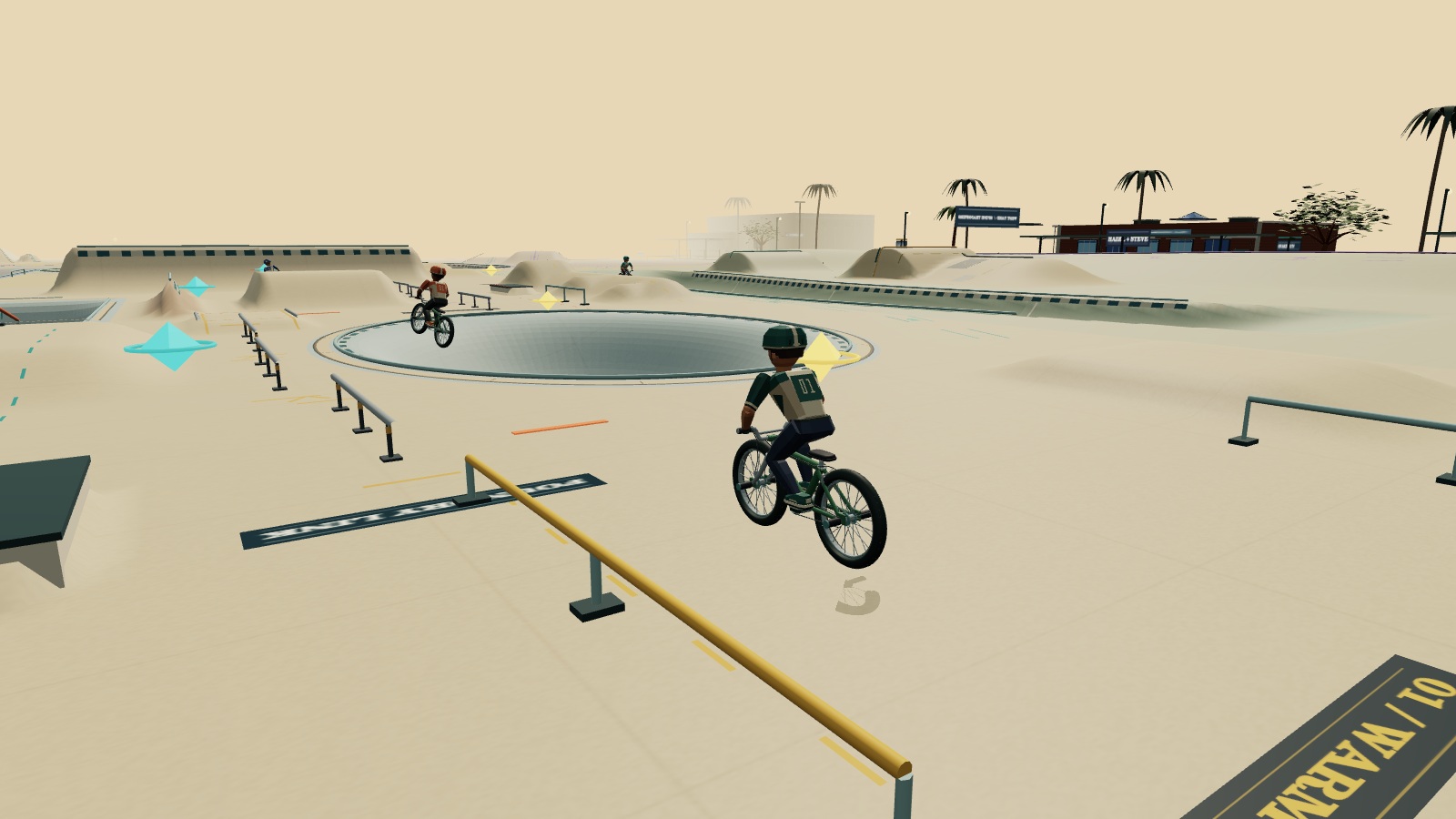
Paper BMX
BMX sandbox
A printed-paper playground. Pump the bowls, balance a manual and find your own line.
Project details for Paper BMX
Deployed project
https://bmx.jrod.download/Explore how the games are built, from input and simulation to rendering and multiplayer.
No games match your search.
BMX sandbox
A printed-paper playground. Pump the bowls, balance a manual and find your own line.
Deployed project
https://bmx.jrod.download/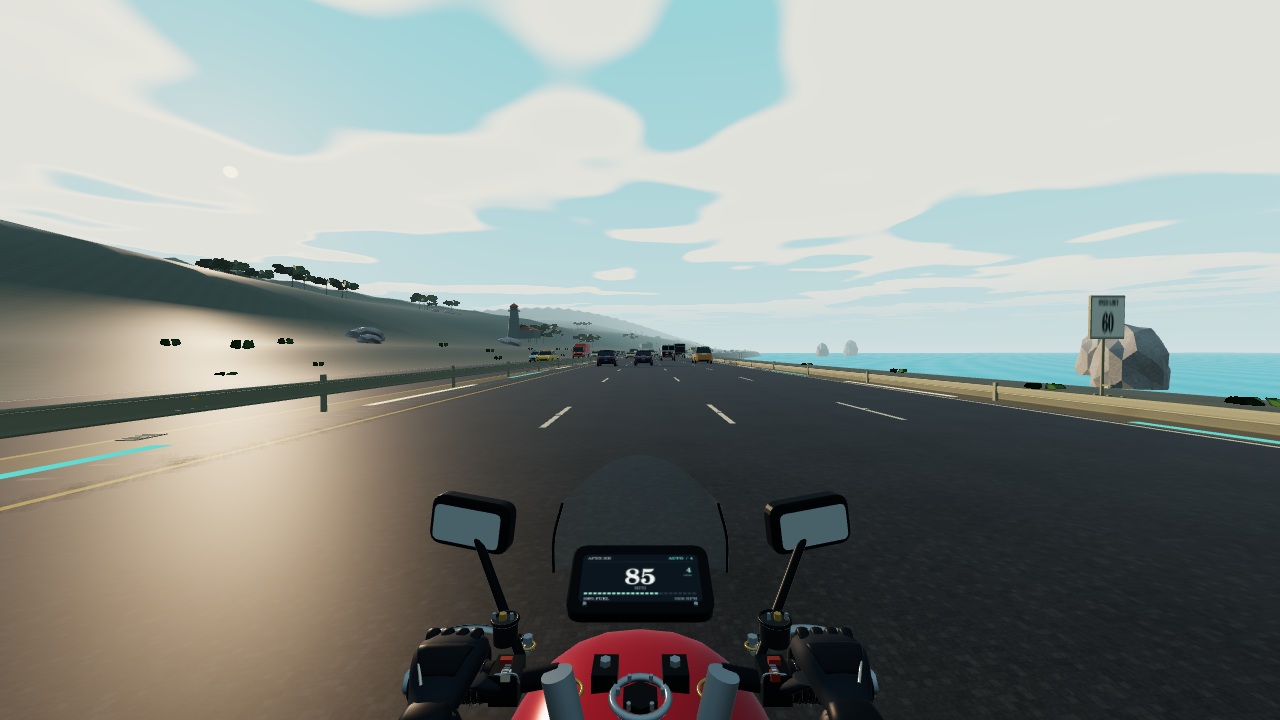
Motorcycle lane-splitting
Ride an endless procedural route through coast, city, desert and mountains. Seven detailed motorcycles, 28 finishes, rear action-camera recording and peer rides.
Deployed project
https://jrod.download/cut-it-up/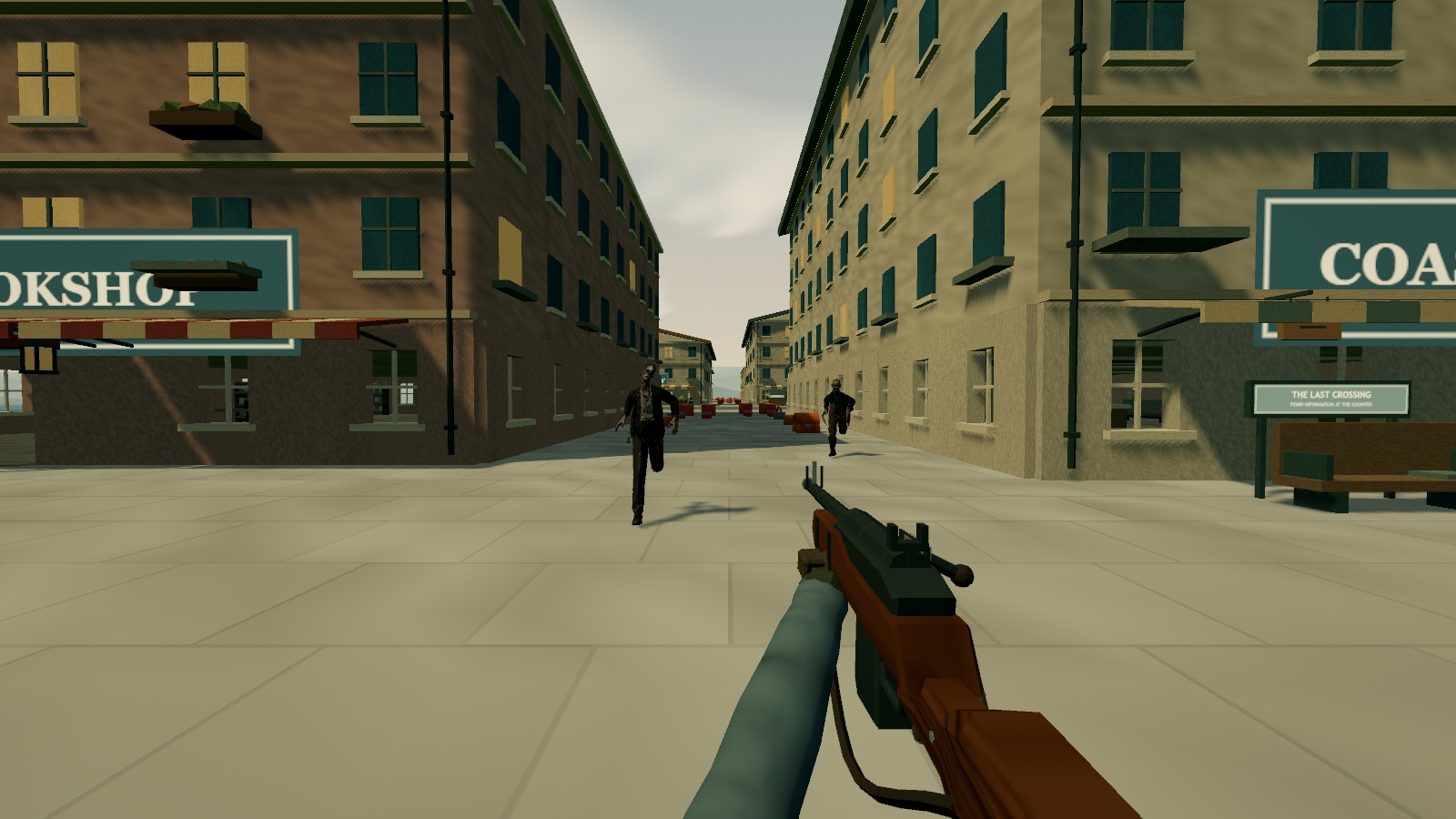
Open-world horror · 1–2 players
Explore The Last Dead’s Blackwater Island and Saint Orin. Scavenge homes, recover weapons and restore the signal alone or with a second survivor. Find a waiting expedition through Play together.
Deployed project
https://the-last-dead-blackwater.jrodonthebeat.chatgpt.site/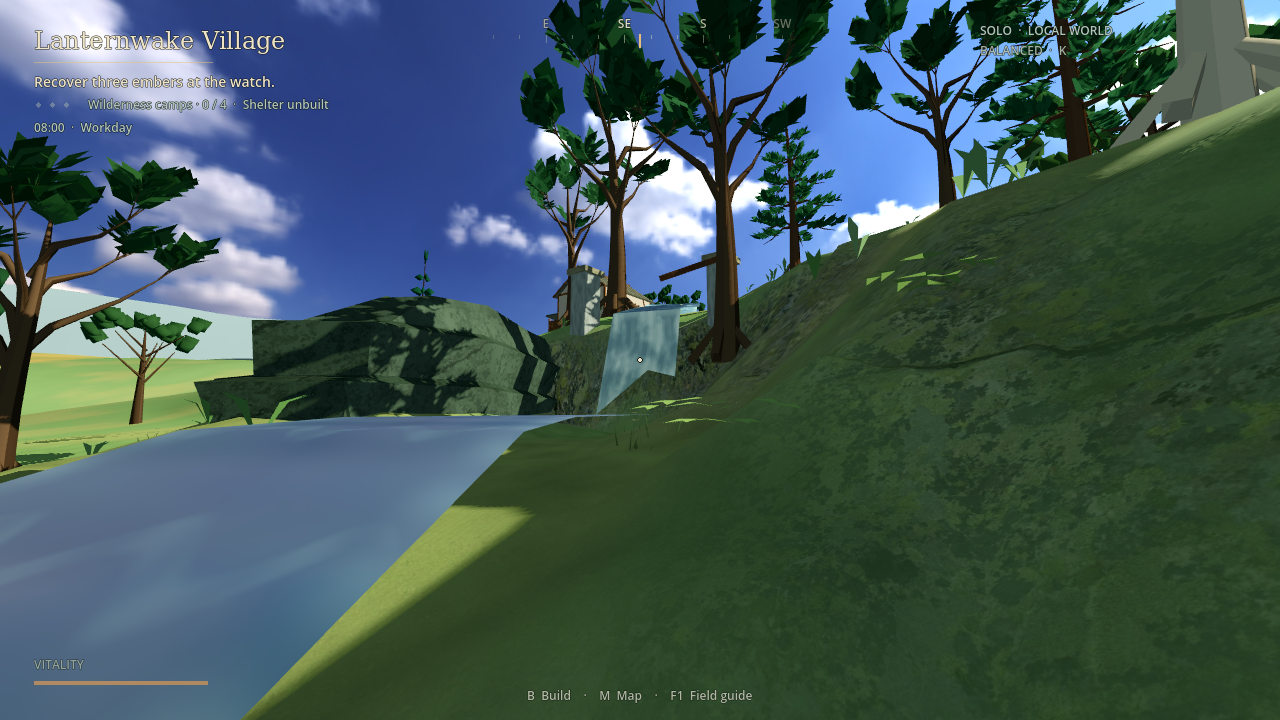
Open-world crafting
Wake beside Lanternwake Road. Gather, craft and build a home, then explore the river valley, trade hamlets and Sunscar Mine.
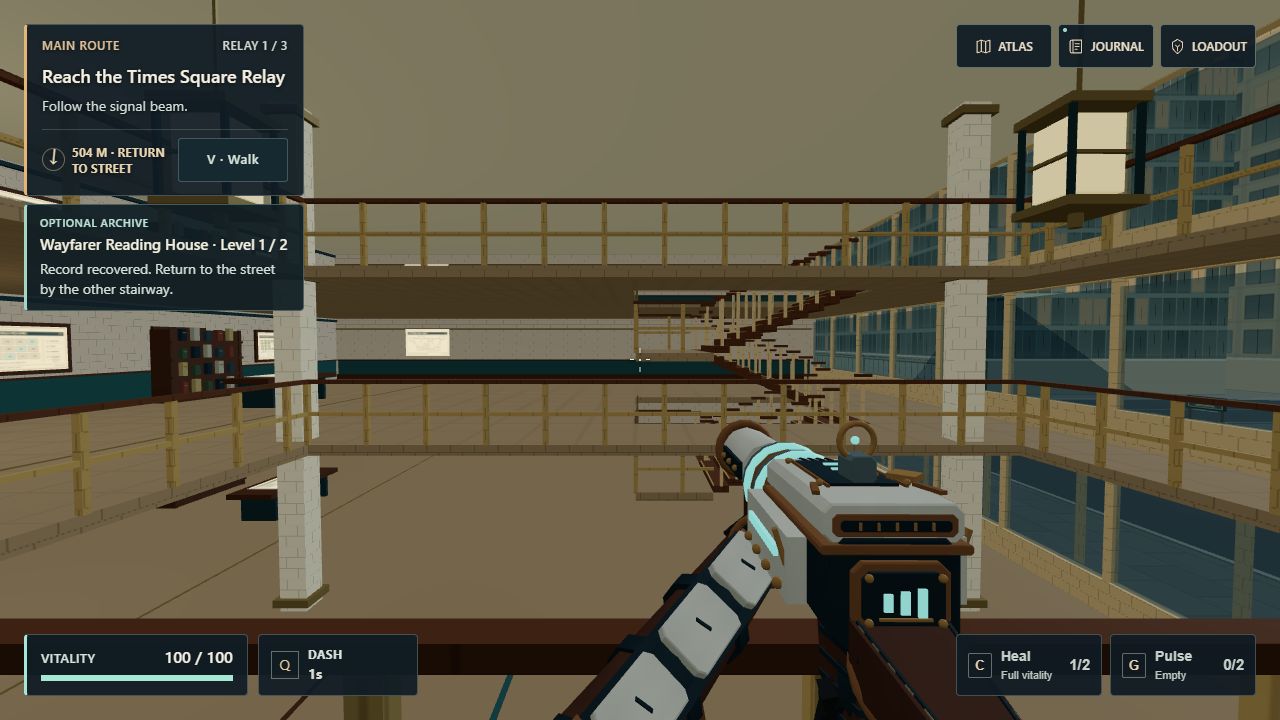
Real streets. Three-level houses. Lost relays.
Follow Manhattan streets and explore eight three-level archive houses. Climb linked stairways, recover crew records and prepare your relic build through three guarded relays. Existing checkpoints retain the original sky-island journey.
Deployed project
https://jrod.download/vesper-starfall/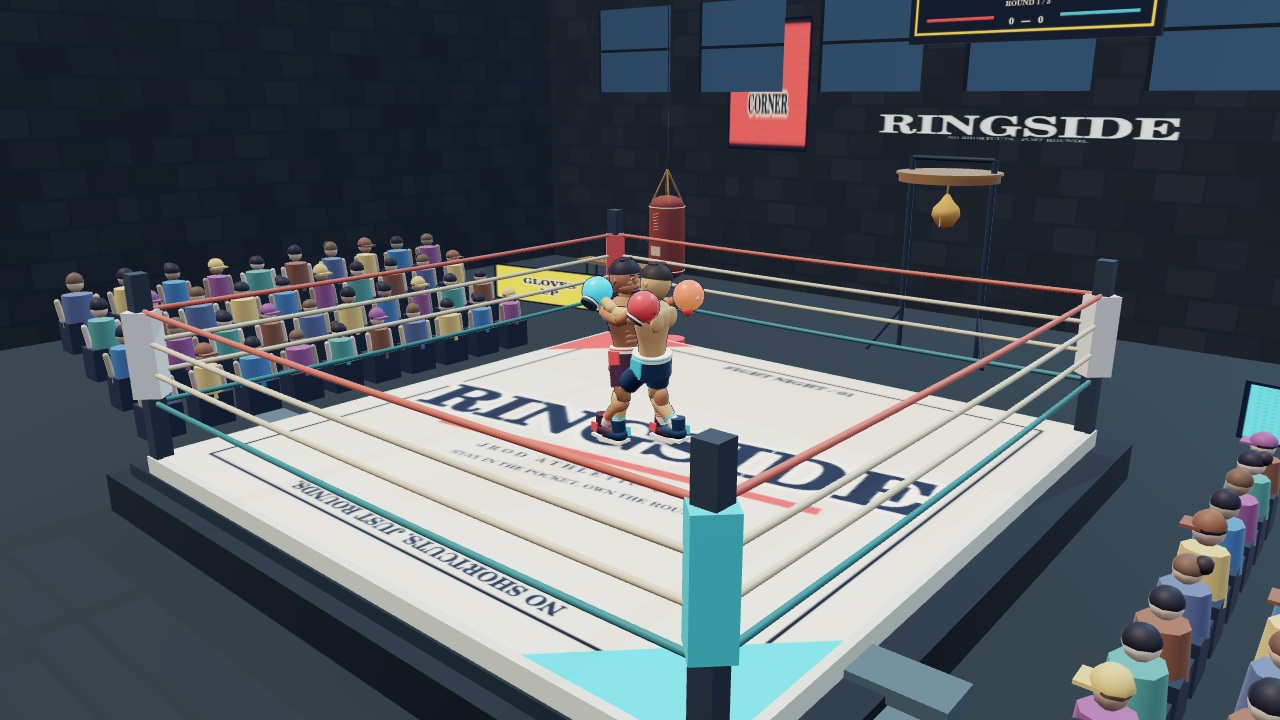
Physics boxing
Work the ring, slip a punch and find the opening. Fight bots or invite a friend for physical 3D boxing.
Deployed project
https://jrod.download/ringside/
Solo Test Range · Online rooms in development
The solo Test Range runs in your browser. Online rooms are in development.
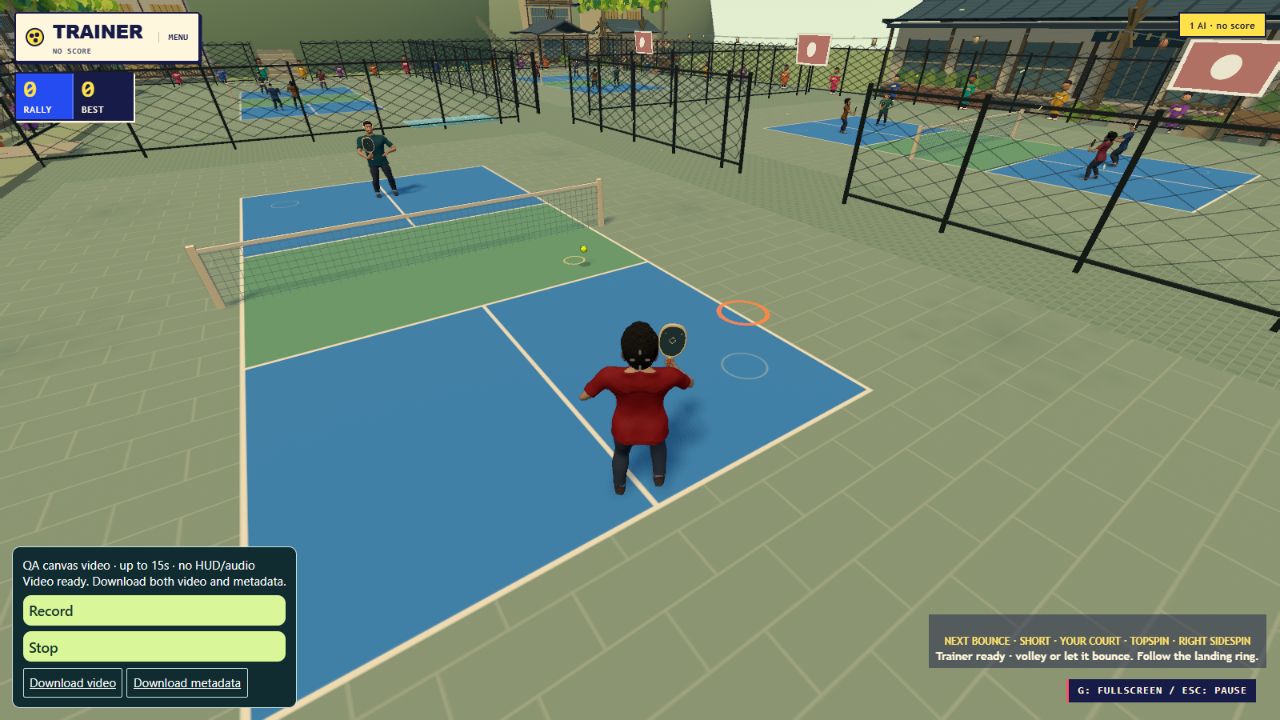
Pickleball adventure
Explore a village, challenge four dojos and step onto the pickleball court.
Deployed project
https://jrod.download/pickledash/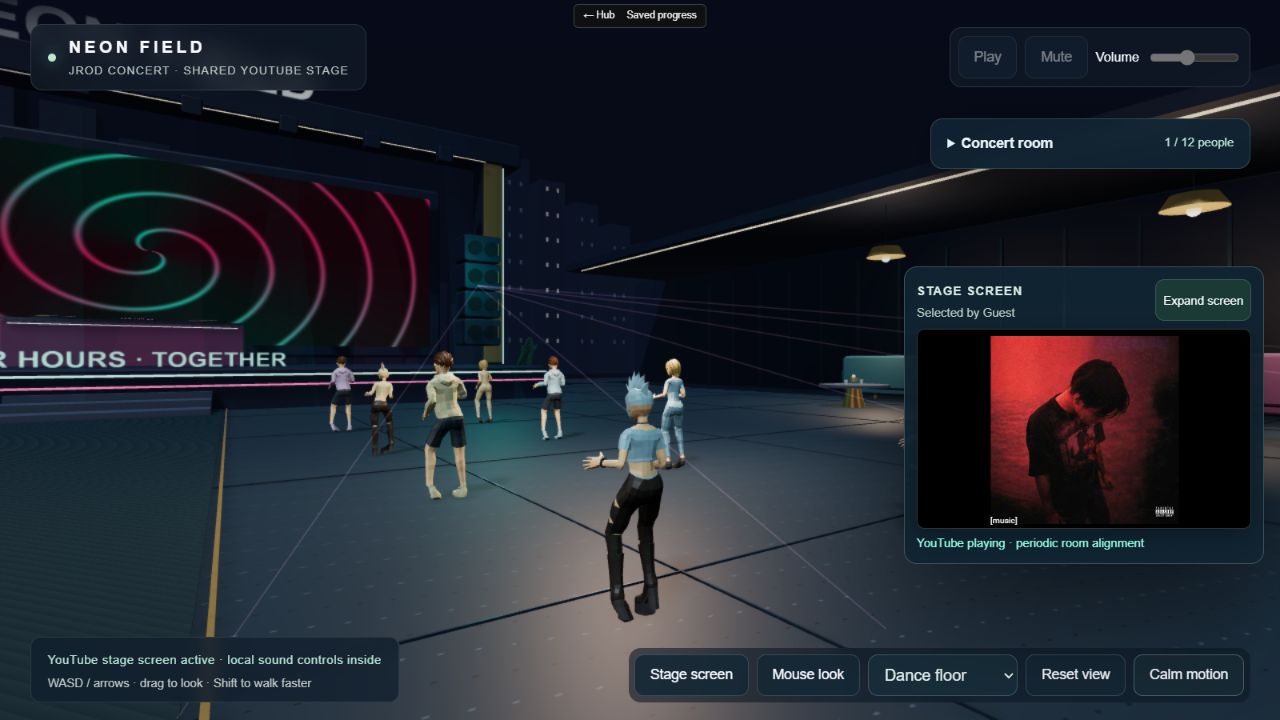
A shared digital venue
A shared afterhours venue. Bring a song, meet on the floor, and take the decks.
Deployed project
https://jrod.download/concert/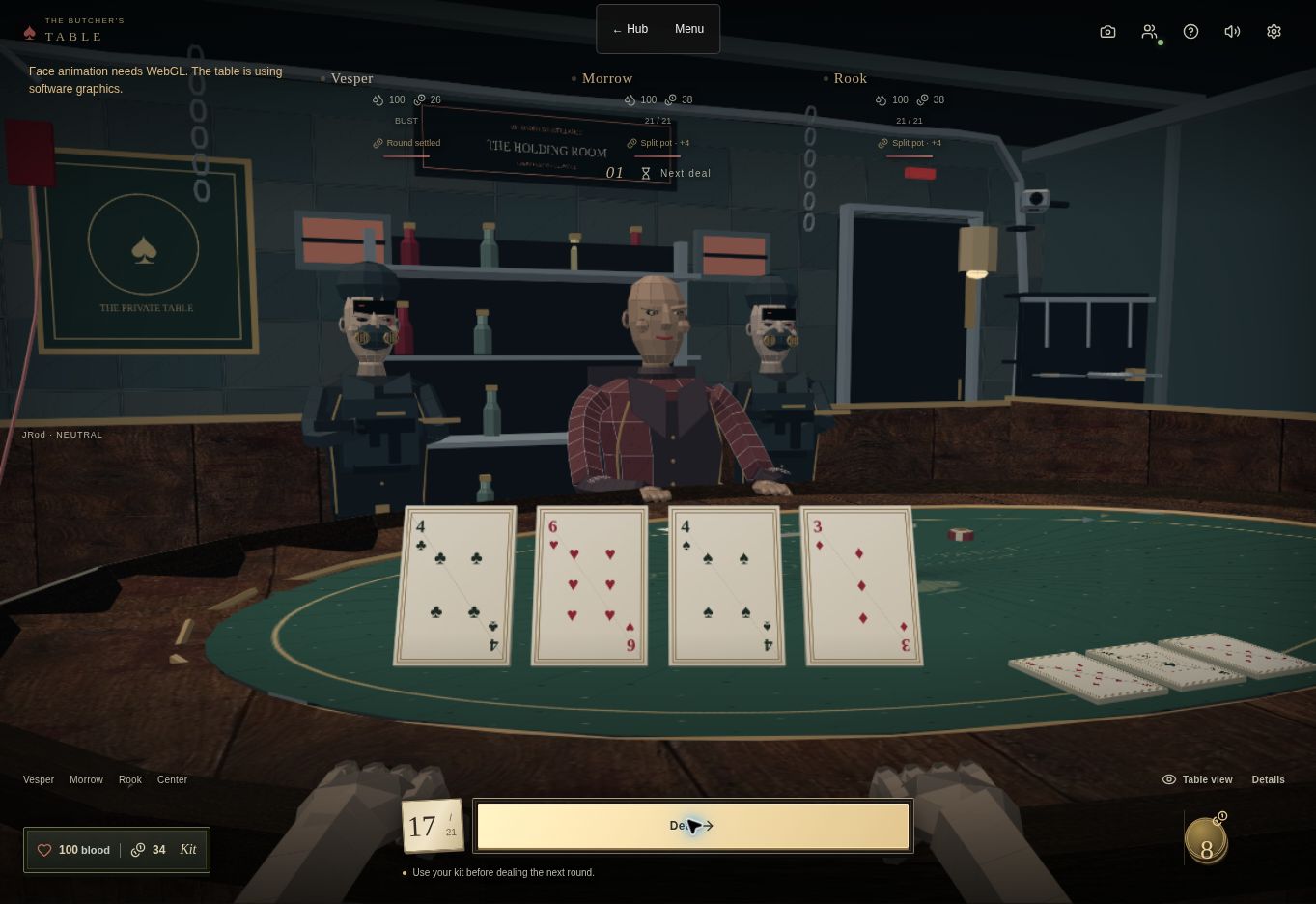
Multiplayer card games
Four rivals. No dealer. Push your luck in 21, draw poker or blood dominoes.
Deployed project
https://jrod-hub.jrodonthebeat.chatgpt.site/the-butchers-table/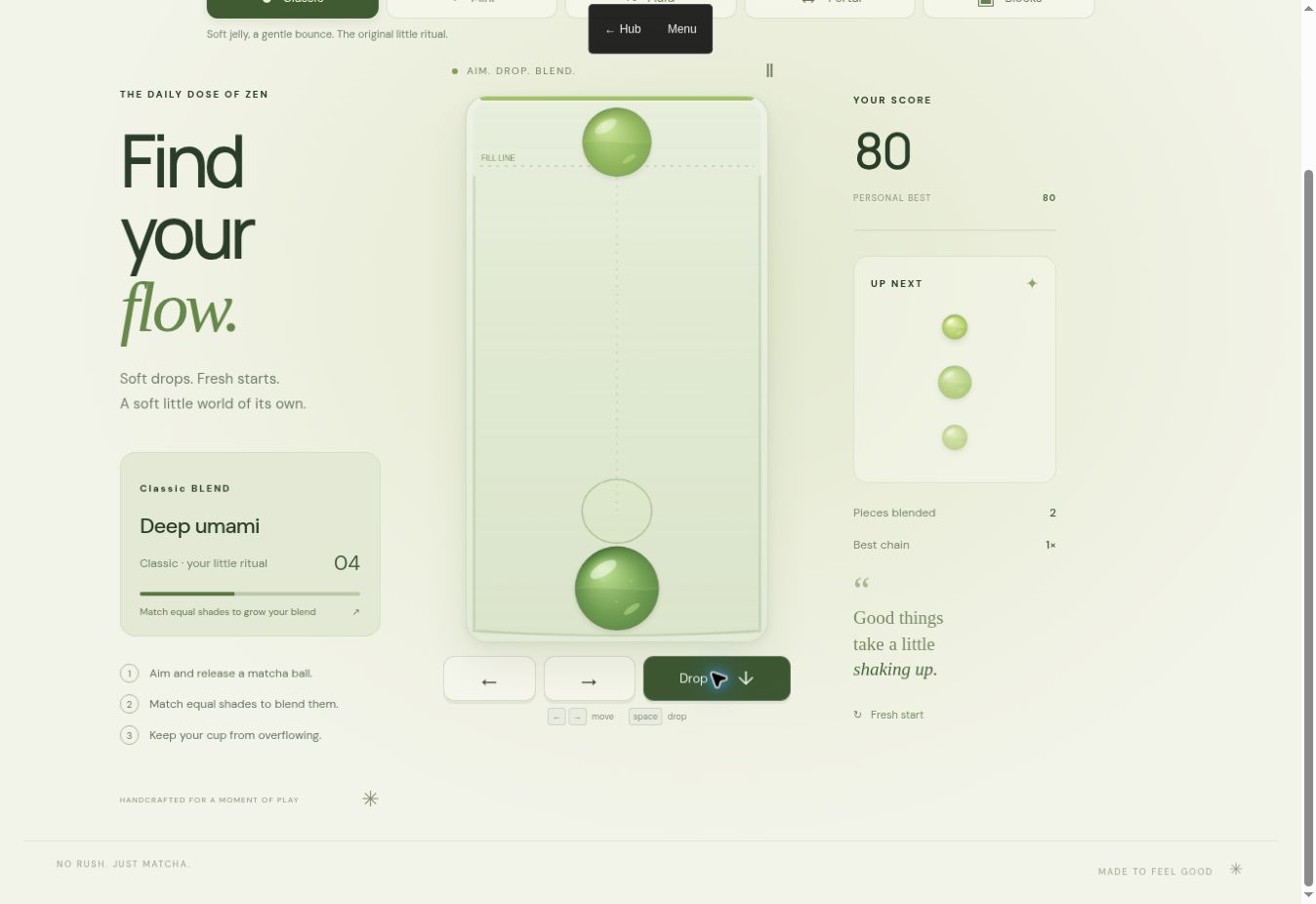
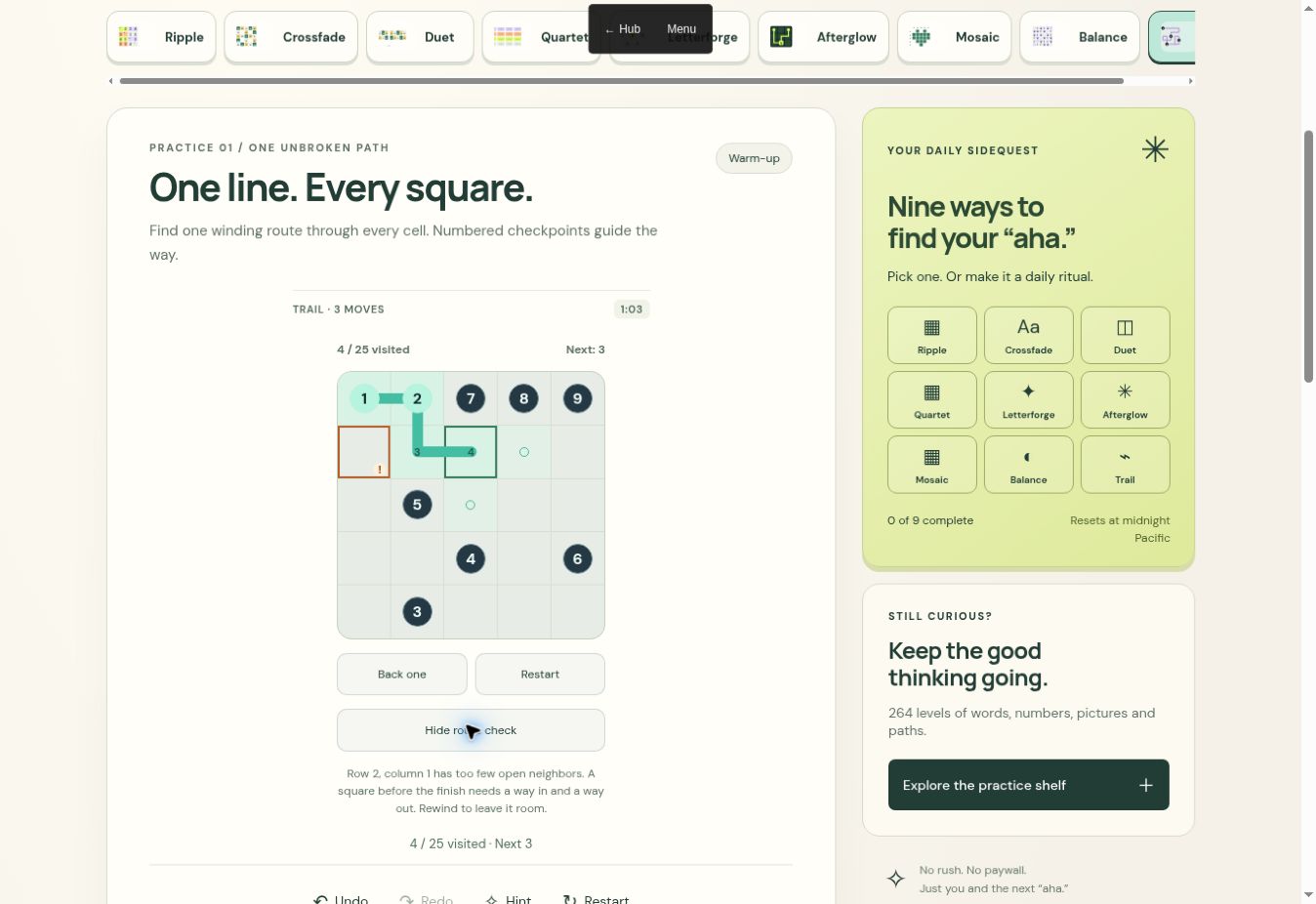
Daily puzzles
Fresh challenges and a full set of practice puzzles.
Deployed project
https://jrod.download/puzzles/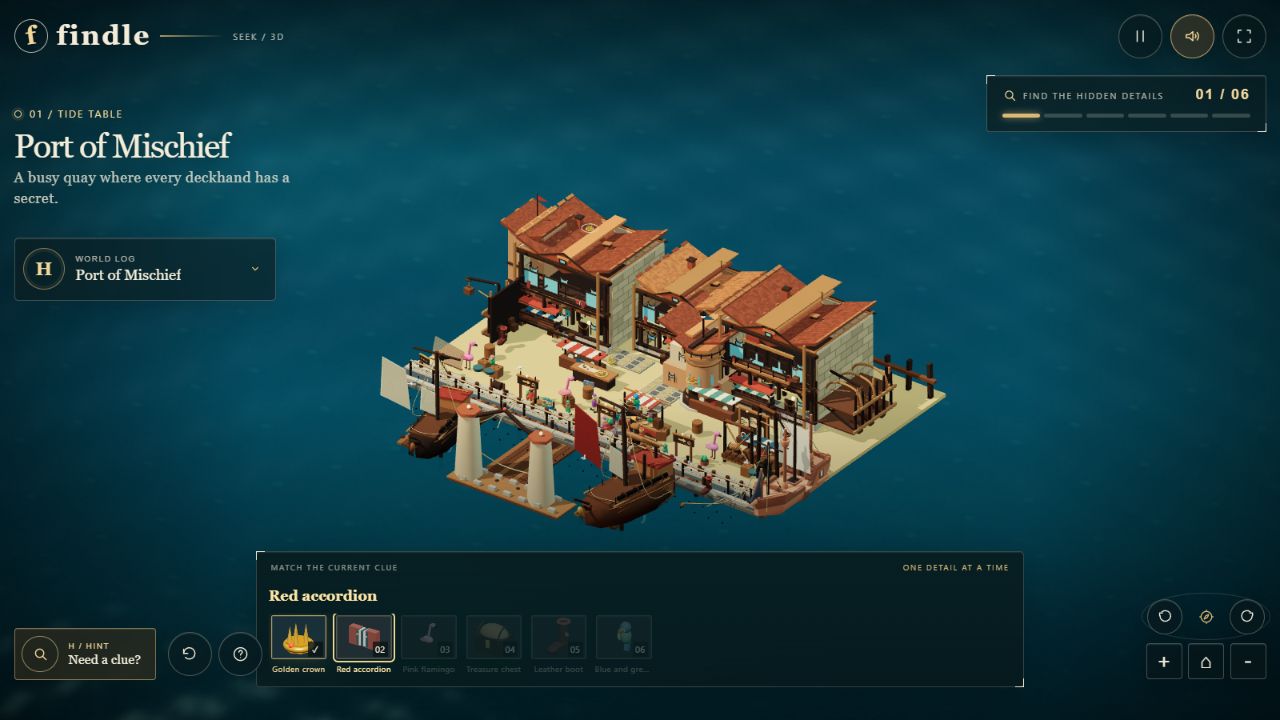
Hidden object puzzle
Explore the Port of Mischief and find the hidden details.
Deployed project
https://jrod.download/findle/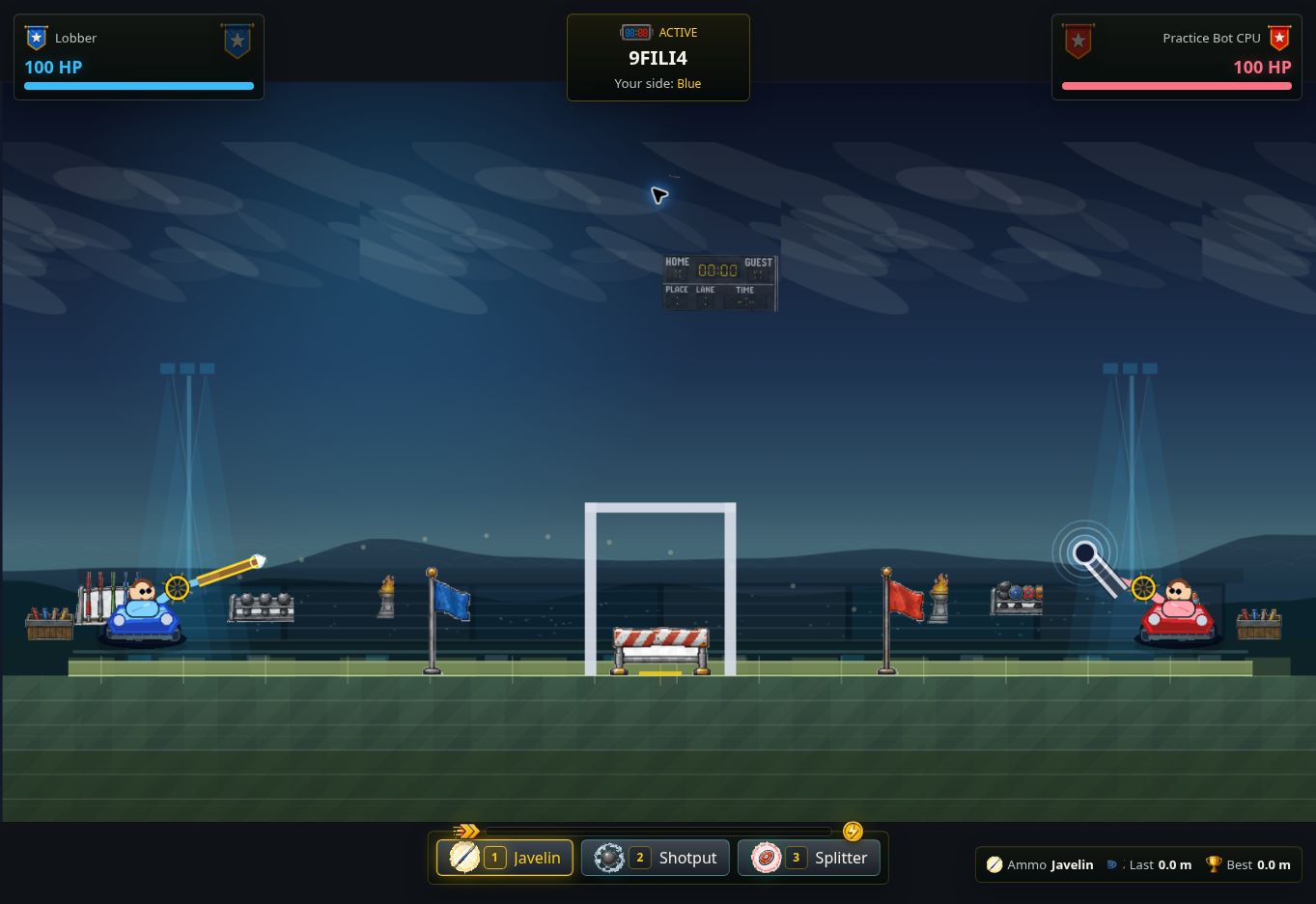
Local demolition game
Play the demolition courses solo or race side by side on one device. Online multiplayer is not available in this build.
Deployed project
https://jrod.download/lobbers/
Multiplayer platform fighter
Fight bots or invite a friend to a stickfigure brawl across rooftops, city streets, and backyards.
Bass distortion & modulation
Twist a sound into something heavier. A browser bass effect with distortion, modulation, and a face of its own.
Deployed project
https://face-twister.jrodonthebeat.chatgpt.site/Browser music studio
An idea-to-track browser studio for patterns, melodies, instruments, and mixing.
Deployed project
https://jrod-noir-studio.jrodonthebeat.chatgpt.site/
Game architecture
Follow one player input from the browser to the authoritative room and back to the screen.
The solo Test Range runs in your browser. Online rooms are in development.
Shared maps and contracts supply collision topology and message definitions to both simulations.
Vite loads the React shell. App owns menus and mounts the game runtime as startup checks pass.
src/main.jsxsrc/App.jsxsrc/app/useAppStartupReadiness.jsColyseus connects the browser to the room. Client readiness and server startup gates coordinate the transition to a match.
src/components/multiplayer/connectRoomRuntime.jssrc/components/multiplayer/useStartupAuthorityRuntime.jsmy-server/src/rooms/lifecycle/startupGateRuntime.tsThe browser samples controls and predicts the local player. When correction can replay, it starts from the server state and reapplies pending input.
src/player/systems/gameplayFrame/runLocalPlayerGameplayFrameImpl.jssrc/player/systems/gameplayFrame/authorityCorrectionFrameRuntime.jsMyRoom advances the match in fixed steps. It processes queued inputs, runs movement and Rapier physics, then resolves gameplay and commits acknowledgements.
my-server/src/rooms/MyRoom.tsmy-server/src/rooms/round/roomTickLoop.tsmy-server/src/rooms/input/humanInputQueueRuntime.tsThe client gives immediate firing feedback. The room resolves queued shots using authoritative gameplay state and returns the result.
src/player/systems/WeaponSystem.jsmy-server/src/rooms/combat/shotResolutionRuntime.tsmy-server/src/rooms/combat/hitApplicationRuntime.tsRoom snapshots feed buffered remote playback. React Three Fiber presents the local and remote players, map, camera and effects through the Three.js scene.
src/components/multiplayer/remotePlayerSnapshotBuffer.jssrc/components/GameRuntimeCanvas.jsxsrc/player/presentation/blender/AuthoredDualViewPlayerPresentation.jsxForge authors playable maps. Shared map and collision code prepares topology for the browser and the room. Shared gameplay contracts define the messages they exchange.
src/components/MapEditorOverlay.jsxsrc/shared/maps/playableMapRuntime.jssrc/shared/gameplay/mapCollisionAuthority.jssrc/shared/gameplay/roomMessageContracts.jsThe root package builds the browser client. The server has its own package, and repository scripts manage local instances and targeted checks.
package.jsonmy-server/package.jsondocs/agent-dev-instances.mdSource snapshot 51a8c9c8 · Nov 18, 2026
Authoring syntax, UI libraries and graphics each have a different job
JSX is a JavaScript syntax extension; TSX combines TypeScript with JSX. A build pipeline transforms this authoring syntax into JavaScript for the browser. JSX and TSX do not, by themselves, require React.
Components can be written in JSX or TSX. TypeScript types are removed during compilation; JSX expressions are transformed according to the chosen tooling.
A library such as React provides the component runtime for UI state and updates. Syntax and runtime are separate choices.
React Three Fiber connects React components to Three.js scene objects. Three.js supplies graphics abstractions such as geometry, materials and cameras.
Rendering submits work through a browser graphics API to the GPU. This is a distinct stage from authoring syntax, component updates and game simulation.
Duals declares React, React Three Fiber and Three.js in its package configuration, and uses the React plugin in its Vite configuration. Those declarations alone do not identify the graphics backend selected in a running build.
Open a game to trace its main runtime and rendering stages.
The JavaScript/JSX frontend is bundled before execution; React Three Fiber reconciles React scene descriptions into Three.js objects, which submit WebGL graphics work to the GPU. Rapier movement physics and Colyseus authoritative rooms are parallel systems, with client prediction and reconciliation feeding the displayed state rather than acting as rendering stages.
The recorded browser build uses JavaScript with Rapier/WASM for physics and Three.js/WebGL for the visible bike and park, while Web Audio supplies ride sound. Godot and reference work exist separately in the checkout, so the legacy steve-hazel-bike folder name must not be confused with the separate Steve-Hazel-Original project or treated as proof of the active engine.
JavaScript modules run the driving systems and browser interface; custom vehicle simulation, including documented worker-based work, supplies state to Three.js rather than passing through React. Web Audio handles engine and impact sound, while WebRTC rides and optional TURN relay are distinct from local split-screen and do not sit between Three.js and the GPU.
Local JavaScript modules establish the input, first-person view and HUD boundaries, while the dashboard describes Three.js rendering and Rapier physics. PeerJS/WebRTC matches and the exact simulation behavior remain documented architecture rather than a fresh runtime verification, so they should not be mistaken for a proven live multiplayer path.
This is the standalone Three.js browser edition, not the preserved legacy dungeon entry or the separate Unity/C# port; Node serves local development rather than rendering frames. The co-op host owns shared simulation, WebRTC carries direct play, and HTTPS room endpoints handle discovery, signaling and relay fallback alongside the graphics pipeline.
Recorded TypeScript/TSX source builds through Vite into browser JavaScript; React Three Fiber describes the Three.js scene, while a separate TypeScript ball simulation supplies bounce, drag and spin state. Documented WebRTC multiplayer and local split-screen are separate play paths, and a successful frontend build is not proof that online play works end to end.
The inspected Hub TSX entry mounts React UI and Vite transforms the frontend source into browser code; React updates are not themselves GPU draw calls. Three.js, PeerJS and Next.js appear in the manifest, but their declaration alone does not establish the active 3D, multiplayer or hosting path, so this diagram does not invent those runtime edges.
Godot scenes and GDScript define gameplay and the build HUD, while a Godot web export packages the engine runtime and assets for execution in the browser. JavaScript export scripts and Python asset-fetch tools help produce that build, but they are not the gameplay language and should not be confused with React or a Three.js renderer.
Vite builds the JavaScript exploration and interface code, and Three.js submits the city scene to WebGL for GPU rendering. The recorded Worker directory represents a separate server-side concern, not another render stage or proof of active D1 use, and the legacy vesper-starfall slug does not establish identity with the separate VESPER original.
The existing architecture record lists React, TypeScript, Three.js and Tailwind, with browser storage for streaks and local state. This is a documented stack rather than a fresh source-to-live audit, so the exact build tool, renderer configuration and latest-cloud parity remain qualified instead of being filled in by assumption.
JavaScript runs the venue modules, Three.js/WebGL draws the scene, and Web Audio processes listening and spatial sound on a separate audio path. Implementation documentation identifies D1 timeline and membership authority separately from PeerJS/WebRTC peer transport, so neither the database nor audio processing should be drawn as an intermediate GPU stage.
TypeScript implements the client and Vite builds it, while the recorded Phaser/Matter.js stack separates the 2D game framework from rigid-body collisions and bounce. Phaser can target different renderer backends, so this diagram does not claim an inspected WebGL-versus-Canvas configuration or infer a configured live multiplayer server from the frontend.
JavaScript updates the puzzle grid and issues Canvas 2D drawing commands, while HTML/CSS supply the page shell and Web Audio handles chimes. Matching rules are game logic rather than a separate rigid-body engine, and Canvas 2D does not establish the same explicit WebGL shader pipeline as the 3D games.
The recorded static browser build uses JavaScript for daily puzzle logic and HTML/CSS for presentation, with localStorage for browser-local progress. Individual puzzles can have their own rendering details, so this overview does not claim every puzzle uses Canvas or that the presence of server files means saves are synchronized to an account.
The project record describes TypeScript, Phaser and Vite, with combat defined through hitboxes, hurtboxes and combo state. The concrete renderer mode and any standalone physics engine were not verified in the source notes, so those edges stay explicit unknowns rather than borrowing assumptions from Lobbers.
Follow the room, the connection, and the game running in each player’s browser.
WebRTC DataChannels carry gameplay messages once peers connect. A public STUN service helps peers discover addresses.
While peers connect, or if a direct connection is blocked, the same room endpoint relays gameplay. No provider key or TURN service is required for this path.
The game and its bot matches run in the browser. Voice uses a separate WebRTC stream and can be unavailable on restrictive networks.
What the Hub serves: the exported game at /stickfigure/, plus the room endpoint backed by D1. Rooms expire after the host disconnects.
The dashboard describes React/Next.js around a Canvas 2D game, but the exact JavaScript-versus-TypeScript source split and current build configuration were not verified here. Ably and WebRTC are documented multiplayer concerns alongside the browser drawing path, not proof of a working hosted session or direct React-to-GPU execution.
JavaScript executes the game’s input, rules and coordination code in a browser runtime. It does not directly color every screen pixel: it asks browser APIs or a renderer to do that work.
React organizes interfaces as components and reconciles their descriptions when inputs change. React DOM updates browser UI, while React Three Fiber is a different renderer that creates and updates Three.js objects.
React Three Fiber connects React components to real Three.js objects. React updates the scene structure when necessary, while the animation loop updates motion and renders frames independently.
Three.js gives JavaScript a scene-oriented way to describe 3D worlds. Its WebGL renderer prepares drawing work; the GPU executes shader programs and produces the image.
WebGL is the browser graphics interface used by many of these games. Three.js can call it on the game’s behalf, while WebGL programs define how geometry and fragments are processed.
GLSL is the shader language used with WebGL. Vertex and fragment programs run at different points in the drawing pipeline, so they should not be confused with a game’s CPU simulation.
The CPU coordinates logic and scene preparation; the GPU performs parallel graphics work. They can overlap, so their timings are not simply added together, and improving one side may leave the real bottleneck untouched.
TypeScript adds a static type system to JavaScript development. Its annotations are normally erased before execution, so runtime data still needs validation where it crosses an untrusted boundary.
JSX is syntax for element trees commonly used in JavaScript, while TSX is TypeScript source containing JSX. Neither is HTML sent directly to a browser, and the chosen renderer determines whether elements represent UI or 3D objects.
Physics advances a model of movement and collisions; rendering shows that model at display cadence. A renderer such as Three.js does not become a physics engine just because it moves meshes.
Transport moves messages; authority decides what state is accepted. Duals documents Colyseus-room authority, while Blackwater co-op documents host-peer authority with a separate room-discovery and signaling service.
Godot exports a browser-compatible engine and game package rather than converting every scene into React. WebAssembly is an execution format for compiled modules; it does not grant native desktop access or imply that the game’s authored language is C++.
Web Audio processes sound through connected nodes, separate from the graphics frame loop. Game events can schedule sound, while timely audio processing prevents glitches even when the interface is busy.
Canvas 2D is a browser drawing API distinct from WebGL. A game such as Matcha Drop can draw a board with it without requiring React, Three.js or a separate rigid-body physics engine.
A GitHub commit identifies source, a build packages it, and a deployment makes a selected build available. These are separate checkpoints: pushing code does not update a Site unless a working deployment integration does so.
Explore a game loop, validate events and update a HUD in three interactive browser labs.
Both players receive the same direction. Blue moves in pixels per second; amber moves two pixels per frame. Change the simulated frame rate, then compare one second.
This lab paces simulated frames with requestAnimationFrame. In a real browser loop, compute dt from callback timestamps; FPS varies. Clamp a long dt or use bounded fixed substeps for physics. Reset the previous timestamp after a pause. Drawing does not advance simulation state.
let previous;
function frame(now) {
  const dt = previous == null ? 0
    : Math.min((now - previous) / 1000, 0.05);
  previous = now;
  update(dt); draw();
  requestAnimationFrame(frame);
}
At 60 FPS, two pixels per frame happens to equal 120 pixels per second. That coincidence breaks when the frame rate changes.
Read further: MDN · requestAnimationFrame. Keyboard: Tab to Left/Right, then use arrow keys to choose direction; Enter/Space activates buttons. Nothing starts automatically.
The kind tag selects a union member. Compare author-time feedback with a real runtime decoder, then watch which network events reach game state.
type GameEvent =
  | { kind: "damage"; amount: number }
  | { kind: "heal"; amount: number }
  | { kind: "reload"; rounds: number };

function apply(event: GameEvent) {
  switch (event.kind) {
    case "reload":
      ammo = event.rounds; break;
    case "damage":
      health = Math.max(0, health - event.amount); break;
    case "heal":
      health = Math.min(100, health + event.amount);
  }
}
The real decoder below this UI calls JSON.parse, checks an object and its kind, then requires a finite numeric amount in [0, 100] or integer rounds in [0, 6]. It constructs a fresh event from allowed fields. Extra packet fields are ignored. An assertion such as JSON.parse(raw) as GameEvent would perform none of these checks.
{"kind":"heal","amount":10} and decode it. What changes at the boundary?Read further: TypeScript Handbook · discriminated unions.
Queue HUD updates, calculate a candidate render, then commit or discard it. Move a pose ref separately. This is a DOM/SVG teaching model of React scheduling and R3F useFrame; React and R3F are not loaded.
Pose ref:
Moves independently of the HUD. No render attempt is requested by a ref mutation.
const [hud, setHud] = useState({ hp: 100, ammo: 6 });
const mesh = useRef(null);
const canFire = hud.hp > 0 && hud.ammo > 0;

function fire() {
  setHud(h => h.hp > 0 && h.ammo > 0
    ? { ...h, ammo: h.ammo - 1 } : h);
}
useFrame((_, dt) => {
  if (mesh.current) mesh.current.rotation.y += dt;
});
// JSX: <mesh ref={mesh} />
// HUD reads hud and canFire during rendering.
Real React schedules state updates and commits automatically; these buttons expose the phases for learning. State is a snapshot within a render. Functional updaters receive pending state and must be pure. React can batch updates, bail out, restart or discard render work. Strict Mode may call render/updaters again in development. A render attempt is not a DOM mutation, a commit, or a browser paint.
Discard here drops the candidate but retains queued events for another attempt. Frame refs are mutable and do not trigger React renders. A ref mutation can be read on a later render, but visible HUD data should use state. In R3F, mutate the mesh during useFrame for continuous motion; keep health/ammo changes event-driven.
Read further: React · render and commit, queued updates, R3F · frame mutations.